Company Disappeared from Google Maps? Causes and How to Fix It
If your business has disappeared from Google Maps, don't panic. Discover the most common reasons, from verification issues to guideline violations, and learn how to fix each one.
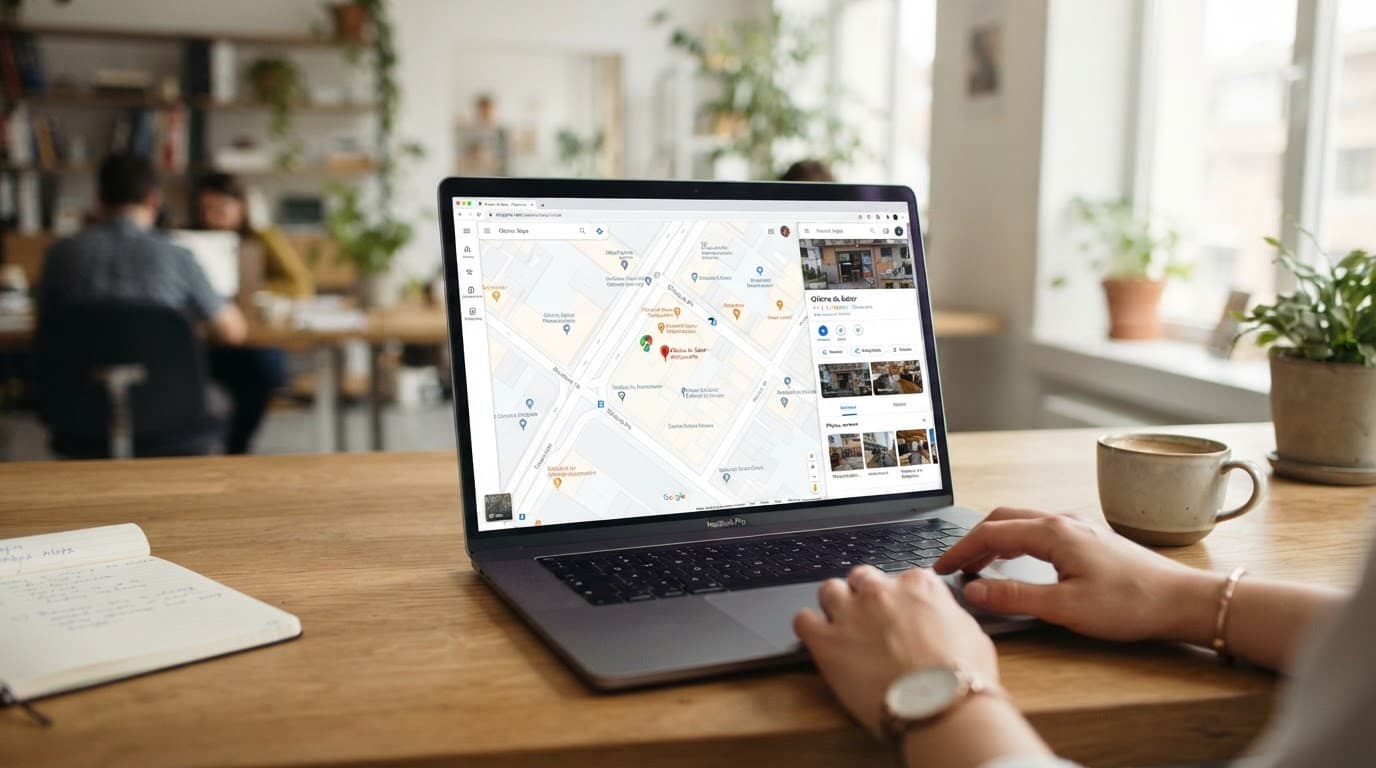
Your Company Disappeared from Google Maps? Understand Why It Happens and How to Fix It
If you've invested time and resources into creating and optimizing your company's profile on Google Maps, and suddenly it disappeared, frustration is understandable. This absence can mean a loss of visibility, customers, and business opportunities. But before you despair, it's crucial to understand that Google Maps operates based on a set of rules and algorithms. The disappearance of your profile is most often a symptom that something is not in compliance with these guidelines.
In this guide, we'll demystify the most common reasons for your business not appearing on Google Maps, explaining the specific rules that may have been violated and, most importantly, showing you the practical step-by-step process to fix each situation. We'll cover everything from video verification, which has become standard, to naming and address rules that frequently lead to profile suspensions. Our goal is to turn the problem into a precise diagnosis, allowing you to take the right actions to restore your company's online presence.
Key Takeaways:
- Understand the three pillars of Google's local ranking: relevance, distance, and prominence.
- Identify which Google's representation guidelines may have been violated.
- Learn the video verification process, mandatory since July 3, 2026.
- Know how to act in case of a suspended profile and the deadline for appeal.
- Discover best practices to keep your profile active and visible.
The 3 Essential Google Factors for Local Visibility
Google states that local results, displayed in both Search and Google Maps, are based on three main factors: relevance, distance, and prominence. It's crucial to understand how each impacts your business's visibility.
- Relevance: Refers to how well your company's profile matches the user's search. If someone searches for "Italian restaurant in San Francisco," a profile optimized with the correct keywords, appropriate categories, and detailed descriptions will have higher relevance.
- Distance: Indicates the proximity of your establishment to the searcher's location. Generally, closer businesses appear first, but relevance and prominence can influence this order.
- Prominence: Is a measure of your business's popularity and authority. This includes factors like links to your website, the volume and quality of reviews, and the consistency of information across the web. Google explicitly states that there is no way to request or pay for a better local ranking; it is earned based on these criteria. Learn more about how Google displays local businesses.
Common Reasons for Your Google Maps Profile to DISAPPEAR
The disappearance of a profile on Google Maps is usually not random. It's a direct reflection of violating a rule established by Google. Let's detail the most frequent ones:
1. Violation of Representation Guidelines
Google has a strict set of representation guidelines that, if violated, can lead to profile suspension or removal. Understanding and applying these rules is the first step to ensuring your business remains on Maps.
1.1. One Profile Per Physical Location
Rule: Google requires only one profile per physical location.
Common Cause: Creating multiple profiles for the same business unit, whether due to ignorance or attempting to rank higher. This is seen as an attempt to manipulate and results in the suspension of all associated profiles.
Correction: Identify and remove duplicate profiles. Access Google Business Profile (formerly Google My Business), find the duplicate profiles, and request their deletion. Ensure only one primary profile remains active and complete.
1.2. Physical, Real Address, Not a P.O. Box
Rule: The address listed on the profile must be a physical, real address where customers can visit your business. P.O. boxes, mailboxes, or addresses that do not represent a physical, in-person commercial operation are not allowed.
Common Cause: Using P.O. boxes or virtual addresses without a physical operation at the location. Virtual offices without in-person customer service also do not qualify for having an address displayed on Maps. A fixed and permanent company sign at the location is required.
Correction: If you use a P.O. box, replace it with a real physical address. If your business operates remotely or serves customers at their locations (like a plumber or cleaning service), you should remove the address from the profile and opt to define a service area. Understand how to define your service area.
1.3. Business Name: Accuracy, Not Advertising
Rule: The profile name must be your company's official, real name. It is not permissible to include slogans, store codes, trademark symbols, operating hours, phone numbers, or URLs in the name field.
Common Cause: Including extra information in the name to try to attract attention or highlight promotions. Ex: "John's Auto Repair - Brake Specialist - Open Saturdays" or "XYZ Store (Best Price in Town)".
Correction: Edit your business name to contain only the official, real name. For example, "John's Auto Repair" or "XYZ Store." Google may revert these edits if they are not compliant.
1.4. Categories: Specificity is Key
Rule: Use the fewest possible categories, but the most relevant ones. Select categories that precisely describe what your business IS, not what it HAS.
Common Cause: Choosing categories that are too generic or describe secondary services instead of the primary one. For example, a restaurant categorizing itself only as "Food Delivery" instead of "Italian Restaurant," "Pizzeria," etc.
Correction: Review your profile's categories. Start with the primary category that best describes your business. If necessary, add secondary categories that are equally relevant, but avoid excess.
2. Profile Suspension
A profile can be suspended by Google for various reasons, including the guideline violations mentioned above, but also for generally inaccurate or misleading information, or for spam.
What happens to a suspended profile?
- The public can no longer access your profile in search results and on Google Maps.
- You and other administrators can no longer perform actions on the profile (edit information, respond to reviews, post updates).
In case of suspension, it's crucial to act quickly. In the appeal, you will need to submit an evidence form. This form must be completed and submitted within 60 minutes of opening it. If you miss this deadline, you will need to start the appeal process again.
Google values accuracy and authenticity. Any attempt to deceive the system or the user can lead to suspension.
3. Lack of Profile Verification
Since July 3, 2026, Google changed how many small businesses verify their profiles. Instead of relying solely on postcards, most now go through a video verification process.
Why is verification crucial?
Without completed verification, your business will not appear in Google searches or on Google Maps. It's the seal of authenticity that Google requires to ensure the profile belongs to a real business.
How does video verification work?
- Request: You will request verification through the Business Profile Manager.
- Recording: You will be asked to record a continuous, unedited video, lasting 1 to 3 minutes. The video should be recorded with your smartphone.
- Video Content:
- Show your establishment's exterior sign with the business name clearly visible.
- If possible, show the interior of the business, with equipment, products, staff work area, or inventory, proving operation.
- Confirm the physical address, if applicable.
- Submission and Review: After recording, you will submit the video for Google's review. This process can take a few business days.
- Follow-up: It's recommended to check your verification status within 5 business days.
If your profile hasn't been verified yet, or if verification failed, it may have been removed or become invisible. The fix is simple: start the verification process again and strictly follow the instructions, especially regarding video quality and content.
How to Fix the Problem and Get Your Business Back on Maps
Resolving your business's disappearance from Google Maps involves a process of diagnosis and correction. Follow these steps:
Step 1: Diagnosis - What's the Probable Cause?
Go back to the previous sections and identify which rule you might have violated:
- If you have multiple profiles for the same location, the cause is duplication.
- If you use a P.O. box or don't have a physical service point, the problem is the address.
- If your business name contains extra information, it's a name violation.
- If your profile was suspended and you don't know the exact reason, review all guidelines.
- If you never verified the profile or the verification expired/failed, the cause is lack of validation.
Step 2: Correcting Representation Guidelines
- For Duplication: Access the Business Profile Manager and remove all duplicate profiles, leaving only one.
- For Address: Edit the profile to remove the P.O. box and add a real physical address, or remove the address and define a service area if your business is based on external service calls.
- For Name: Edit the name to contain only the official business name.
- For Categories: Review and optimize categories, focusing on the most specific and relevant ones.
Step 3: Appealing a Suspension
If your profile was suspended:
- Access the Business Profile Manager.
- Click the "Appeal suspension" (or similar) link that usually appears next to your business name.
- You will be directed to a form. Fill it out with as much information and evidence as possible to prove your business complies with Google's guidelines (photos of the location, proof of address, business licenses, etc.).
- Remember: You have 60 minutes to complete and submit the form after opening it.
Step 4: Video Verification (or other method)
If the problem is lack of verification:
- In the Business Profile Manager, look for the "Verify now" or "Verify your business" option.
- Follow the instructions to request the appropriate verification method (likely video).
- Record the video carefully, following all guidelines. Ensure the business name, address (if applicable), and proof of operation are clear.
- Submit the video and wait for Google's review, which can take a few business days.
What to do while you wait?
While your profile is offline or undergoing correction/verification, continue investing in other digital marketing fronts. Keep your website updated (migrating a website without losing Google ranking is possible), invest in SEO for your site, and keep your other communication channels active. Use email marketing (avoiding your emails landing in spam) and social media to inform your customers about the situation, if necessary.
Frequently Asked Questions
Why isn't my business showing up on Google Maps?
Your business might not appear on Google Maps for various reasons, including lack of profile verification, suspension due to guideline violations (like incorrect name, false address, or duplication), or because the profile isn't considered relevant or prominent enough for the search performed. The fix involves identifying the specific cause and taking the necessary corrective actions.
How long does it take for the profile to return after correction?
The return time varies depending on the complexity of the problem and Google's review process. If it's a simple information correction, it can take a few hours to a few days. If it involves a suspension and appeal, or video verification, the process can take from a few business days to a week or more, after Google's review.
Can I pay to have my business appear at the top of Google Maps?
No. Google explicitly states that you cannot pay for a better local ranking. Position in Google Maps results is determined organically by factors like relevance, distance, and prominence (popularity), as described in its guidelines. Attempting to game the system can lead to profile suspension.
What is Google Business Profile video verification?
Video verification is an authentication method introduced by Google to confirm that a business is real and operates at the listed location. It typically requires recording a continuous video showing the exterior and interior of the establishment, the sign, and proof of business operations, often replacing traditional postcard verification.
Conclusion
Your business profile disappearing from Google Maps can be a setback, but it's rarely an unsolvable problem. The key is to understand Google's rules, diagnose the root cause of the issue, and diligently apply the corrections. From compliance with name and address guidelines to the crucial video verification, each step is vital to restoring and maintaining your online visibility.
Practical recommendation: Set aside 30 minutes this week to review your profile information in the Business Profile Manager. Check if it complies with all guidelines, especially regarding name and address. If applicable, start or update your verification. A robust presence on Google Maps is an undeniable competitive advantage for SMEs.

Sobre a Lee Sugano
Lee Sugano
Agência de soluções digitais com base no Japão e clientes em mais de 10 países. Compartilhamos insights sobre desenvolvimento, design e marketing digital para empresas que não aceitam genérico.
Enjoyed this content?
Receive exclusive insights about web development, design, and digital marketing straight to your inbox.
No spam. Unsubscribe anytime.