How to Change Your Website Without Losing Google Traffic: The Complete Checklist
Avoid traffic drops when changing your website. Follow this complete guide with Google's rules and avoid common migration errors.
How to Change Your Website Without Losing Google Traffic: The Essential Guide
Refreshing your website's look and platform is a crucial step for the growth of any digital business. However, the anxiety about potentially losing the organic traffic painstakingly earned on Google is a legitimate concern. After all, those who invested in SEO and content don't want to see the fruits of their labor disappear after the move. The good news is that with planning and attention to detail, it's entirely possible to migrate your website without sacrificing your ranking. This comprehensive guide demystifies the process, presenting the concrete rules established by Google itself, often overlooked by companies and developers in Brazil.
The SERP (Search Engine Results Page), while competitive, still offers opportunities. Frequently, the top positions are occupied by blogs from agencies and hosting providers offering generic advice on 301 redirects. However, Google's official documentation—often neglected—provides specific guidelines that, if followed, minimize risks. Let's dive into these points to ensure your new site inherits the success of the old one.
Key Points for Migrating Your Site Without Losing Ranking:
- Strategic 301 Redirects: Understand their duration and correct purpose.
- Avoid the Soft 404 Error: Don't overload the homepage with unnecessary redirects.
- Internal and External Link Management: Map and update all references.
- Using Google Search Console: Sitemaps and tools are your allies.
- Timelines and Planning: Migrations take time and require patience.
Google's Golden Rules for Website Migration
Most redesigns and migrations in Brazil disregard Google's explicit guidelines on how to handle changes in URLs and site structures. Ignoring these points can lead to an abrupt drop in organic traffic, precisely what you aim to avoid. Let's detail what Google recommends for a smooth and successful transition.
301 Redirects: More Than Just a Link
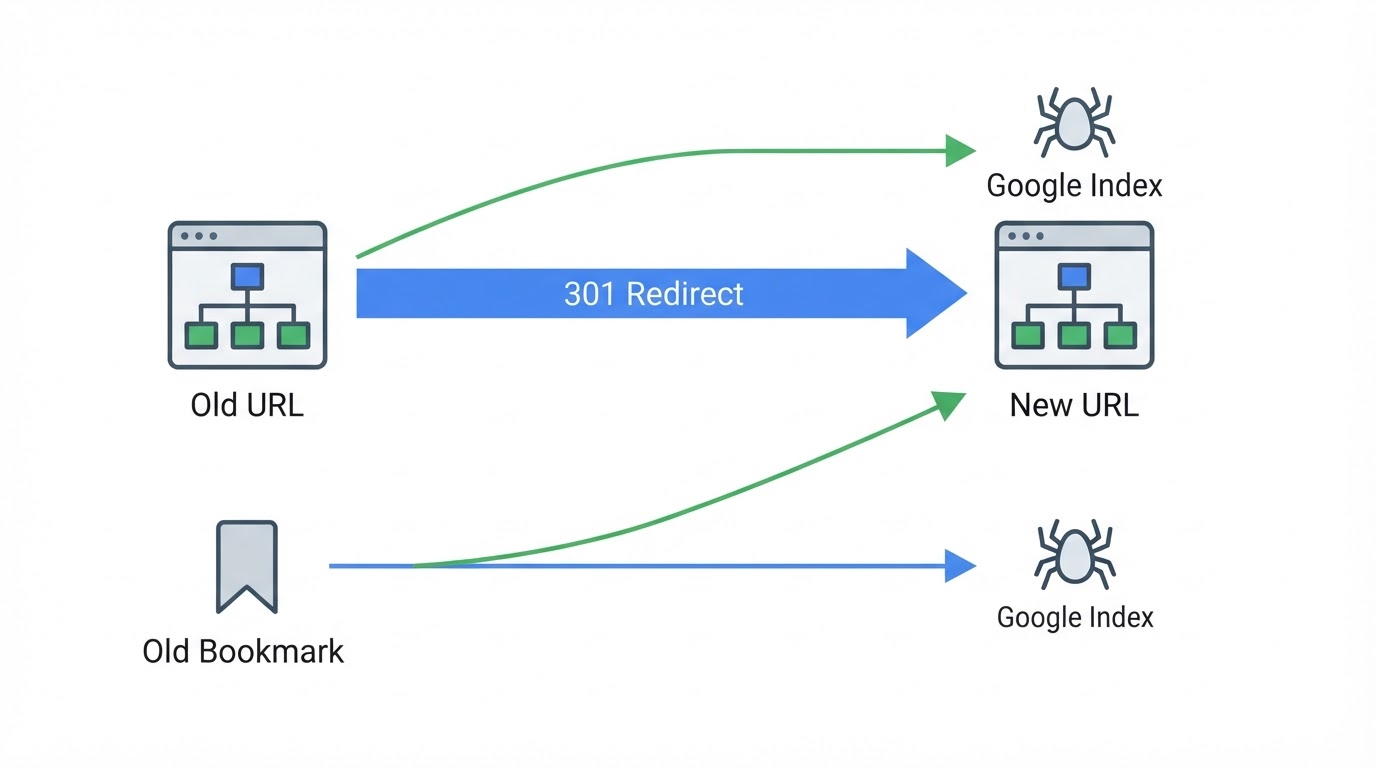
301 redirects (indicating a permanent URL change) are essential for transferring authority from an old page to a new one. Google advises: "Keep redirects in place for as long as possible. Typically, this period is at least one year." This means that after launching the new site, the old URLs should continue pointing to the new ones for a significant period. A common mistake is removing the 301 redirect immediately after migration, harming the Googlebot and users who might still have old links saved or arrive via outdated search results.
To better understand how Google interprets URLs and user experience, consult the official documentation on migrating sites with URL changes.
Beware of "Soft 404": The Generic Redirect Trap
One of the most damaging migration errors is what Google calls a "soft 404." This occurs when you redirect many old URLs to a generic destination, such as the new site's homepage. Although the page technically loads, the content is not what the user or Google's index expects for that specific query. "Don't redirect many old URLs to an irrelevant destination, like the new site's homepage. This can confuse users and be treated as a soft 404 error," warns Google. The ideal approach is to map each old URL to its most relevant counterpart on the new site. If a page doesn't have a direct equivalent, consider redirecting it to a pertinent category or, as a last resort, to the homepage, but with moderation and planning.
Limits on Redirect Chains
Redirecting a URL that already redirects to another (a redirect chain) can dilute PageRank and increase loading times. The Googlebot has a limit: it follows up to 10 redirect hops, but the ideal is to keep the chain to a maximum of 5 hops, with 3 or fewer being even better. A long chain might cause Google to give up on crawling the final page, or users might wait too long for it to load. Always ensure your redirects are direct from the old page to the new one.
Essential Technical Planning for a Secure Migration
Beyond redirects, several other technical aspects require meticulous attention to ensure Google and users find and index your new site correctly.
Internal Link Optimization
When moving to a new site, it's crucial that internal links—those connecting pages within the site itself—are also updated to the new URLs. If your old site contained links to /services/consulting and now that service is at /services/business-consulting, all links pointing to the old URL within your own site must be corrected to the new one. Ignoring this can create internal "broken links" and hinder site navigation and crawling, affecting SEO.
Sitemap and Robots.txt File Management
The XML sitemap is a map that helps search engines find and index your pages. After migration, it's crucial to submit a new, updated sitemap to Google Search Console and, after a transition period, remove the old sitemap. The robots.txt file instructs search engine bots on which pages they can or cannot crawl. Ensure there are no noindex blocks or restrictive rules in robots.txt that could prevent the new site from being indexed. If the robots.txt file doesn't exist, the expected behavior is an HTTP 404, indicating no restrictions.
Change of Address Tool for Domain Changes
When a migration involves changing the main domain (e.g., from old-company.com.br to new-company.com.br), Google offers a specific tool in Search Console: the Change of Address tool. It should be submitted for all property variants (with and without www, subdomains). This notification informs Google that the content has permanently moved to a new address. According to Search Console Help, this notification is visible for 180 days. It's important to note that this tool is not necessary for HTTP to HTTPS migrations, as they are treated as the same URL in search terms.
Timelines and Frequency of Changes: What to Expect?
Migrating a website is rarely an overnight process. Google estimates that "Most pages on a medium-sized site are moved in a few weeks, while larger sites need more time." Patience and continuous monitoring are essential.
A crucial warning from Google itself: Combining a change of address with a content overhaul and URL structure changes simultaneously makes traffic loss likely. Therefore, if possible, separate these tasks or plan them in an extremely coordinated manner to minimize impact.
Frequently Asked Questions About Website Migration
Why did my traffic drop after changing my website?
A drop in traffic after a website change usually occurs due to errors in implementing 301 redirects, broken internal or external links, or failure to update the sitemap in Google Search Console. Another reason could be incorrect mapping of old URLs to generic pages, resulting in soft 404s. A detailed analysis of metrics in Search Console and SEO tools can help identify the exact cause.
How long should I keep 301 redirects?
Google recommends keeping 301 redirects in place for as long as possible, ideally for at least one year. This ensures that any residual traffic from old links or outdated search results is correctly directed to the new pages, helping Google update its index gradually.
What is a Soft 404 and how to avoid it?
A Soft 404 is an error where a page that should return an HTTP 404 (Not Found) status code actually loads content, but it's irrelevant or non-existent for the user's request. In the context of migration, it occurs when many old URLs are redirected to the homepage or another generic page that doesn't offer the expected content. To avoid this, map each old URL to its most specific counterpart on the new site.
Does changing from HTTP to HTTPS require the Change of Address tool?
No. Migrating from HTTP to HTTPS is treated by Google as a protocol update on the same URL. The Googlebot will automatically crawl HTTPS URLs. The Change of Address tool in Search Console is primarily used for domain changes or significant structural URL alterations.
Conclusion: Security and Success in Your Website Migration
Changing your website without losing Google traffic is an achievable goal when adopting a methodical approach and respecting technical guidelines. The key lies in detailed planning, precise execution of 301 redirects, updating all internal links, and intelligently using the tools available in Google Search Console. Avoid shortcuts and generic advice; follow the official recommendations. By implementing this checklist, you ensure not only the continuity of your organic traffic but also a solid foundation for your digital business's future growth.
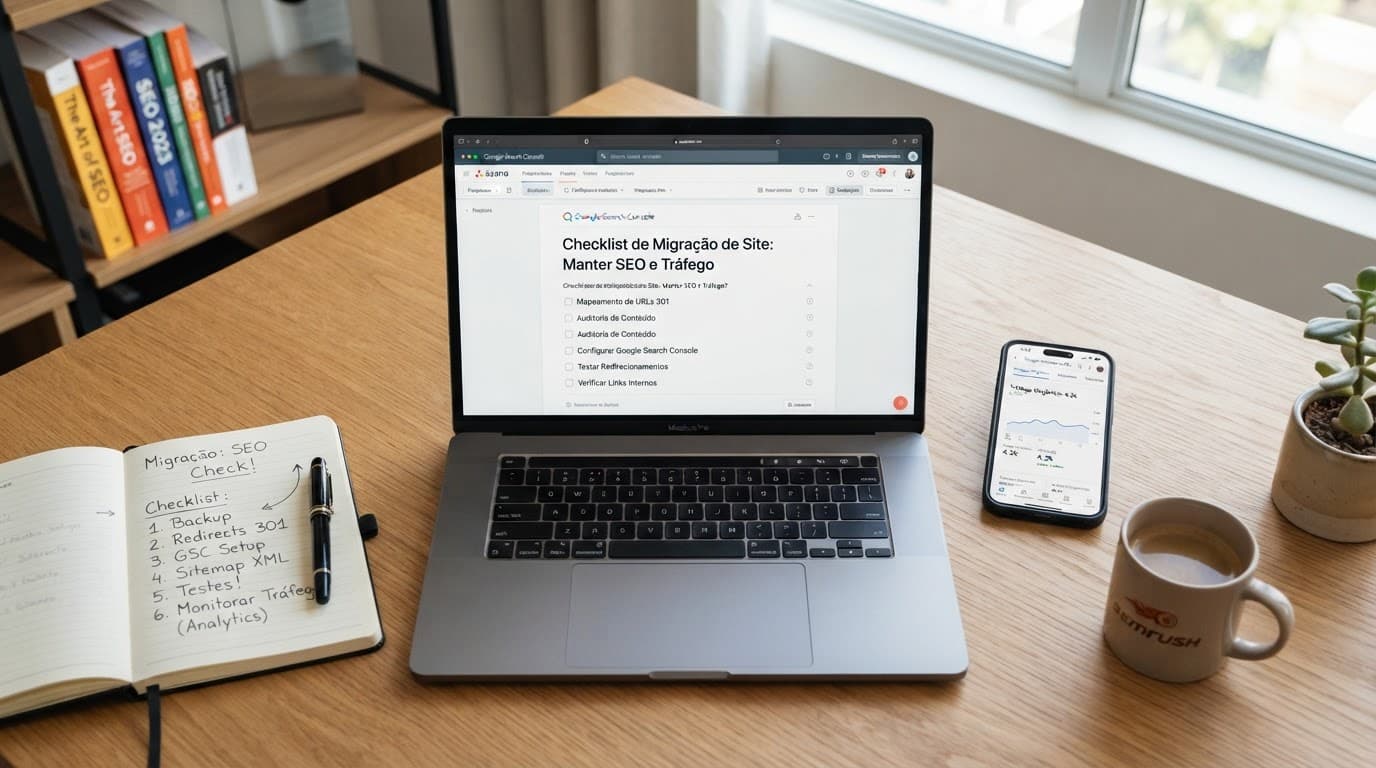
Practical recommendation: Before starting the migration, create a complete map of all old URLs and their new corresponding ones. This is the backbone of any successful migration plan.

Sobre a Lee Sugano
Lee Sugano
Agência de soluções digitais com base no Japão e clientes em mais de 10 países. Compartilhamos insights sobre desenvolvimento, design e marketing digital para empresas que não aceitam genérico.
Enjoyed this content?
Receive exclusive insights about web development, design, and digital marketing straight to your inbox.
No spam. Unsubscribe anytime.